Build a native mobile app clone: Swift, Kotlin or Flutter?
A mobile clone should run as an actual mobile project when that is your goal. A responsive web screen is useful, but it does not demonstrate notifications, location permissions or recovery after the operating system stops the app. Choose one platform and device workflow first.
By Clone4.me · AI-assisted editorial ·
A practical starting point
Use the catalog’s target-platform and language filters to choose a Swift/iOS, Kotlin/Android or Flutter brief. Start with a timer, notes or flashcards before background location, recognition services or shared messaging. Require an emulator build and real device testing where hardware behavior matters.
Match the stack to your intended device
Swift/SwiftUI is an option for an Apple-platform app, Kotlin/Compose for Android, and Flutter for a shared codebase targeting supported mobile platforms. The frameworks do not remove the need for each platform’s tooling, permissions and distribution setup. Preserve a suitable existing stack if you already have one.
Choose based on your test devices, platform-specific features and maintenance preference. The language badge describes our brief’s default target; it does not claim the reference product supports only that platform. Keep the initial delivery to the operating systems you can actually build and test.
| Route | Good reason to choose it | Still required |
|---|---|---|
| Swift / SwiftUI | A focused Apple-platform workflow | Apple tooling and target-device testing |
| Kotlin / Compose | A focused Android workflow | Android SDK/emulator and permission checks |
| Flutter | One app codebase for iOS and Android | Platform toolchains and per-platform validation |
References: Apple SwiftUI · Android Compose · Flutter installation and target setup
Pick a bounded first mobile product
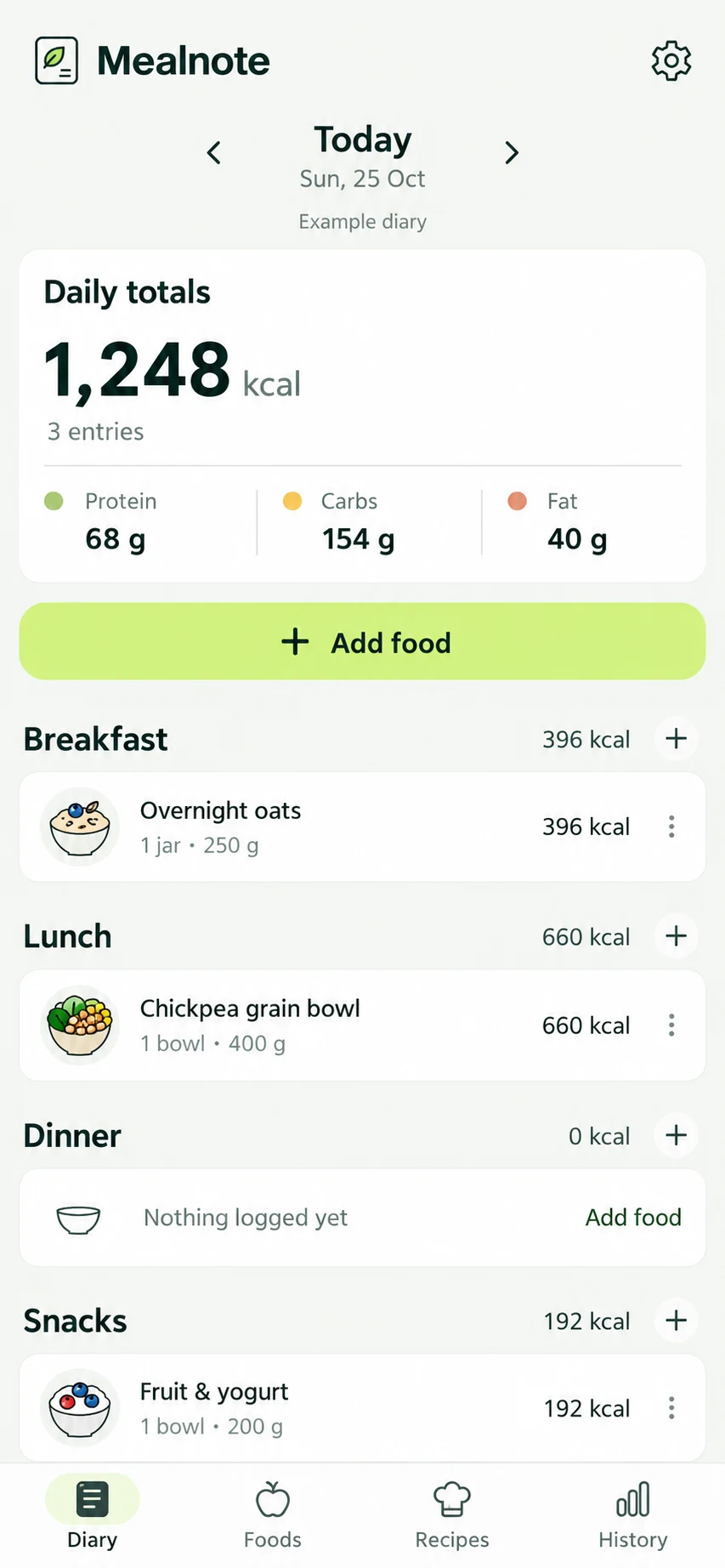
Forest-style focus sessions, Google Keep-style notes and Anki-style flashcards have visible local journeys. Start, stop, edit, save and reopen. A Duolingo-style lesson loop adds progress rules and authored exercises. Splitwise adds shared records and reconciliation.
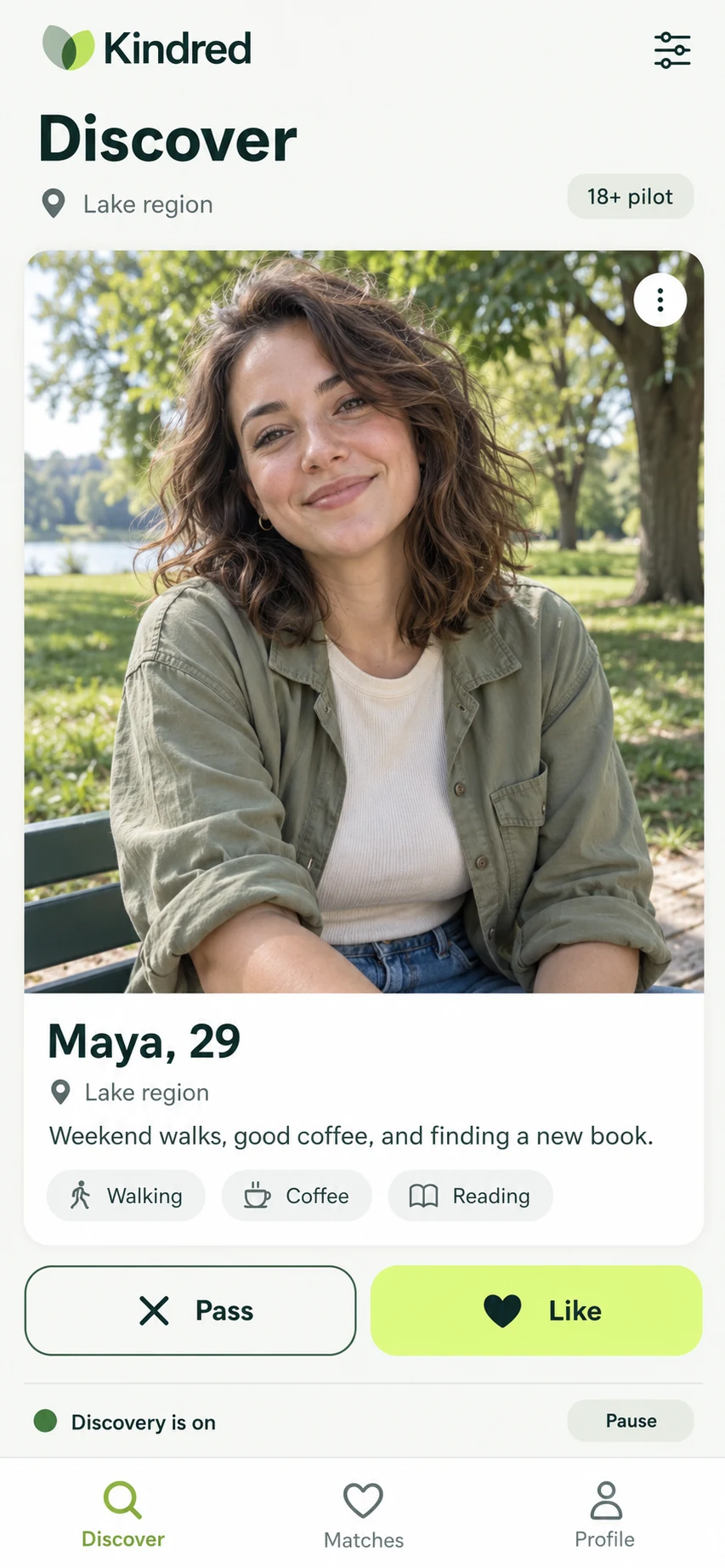
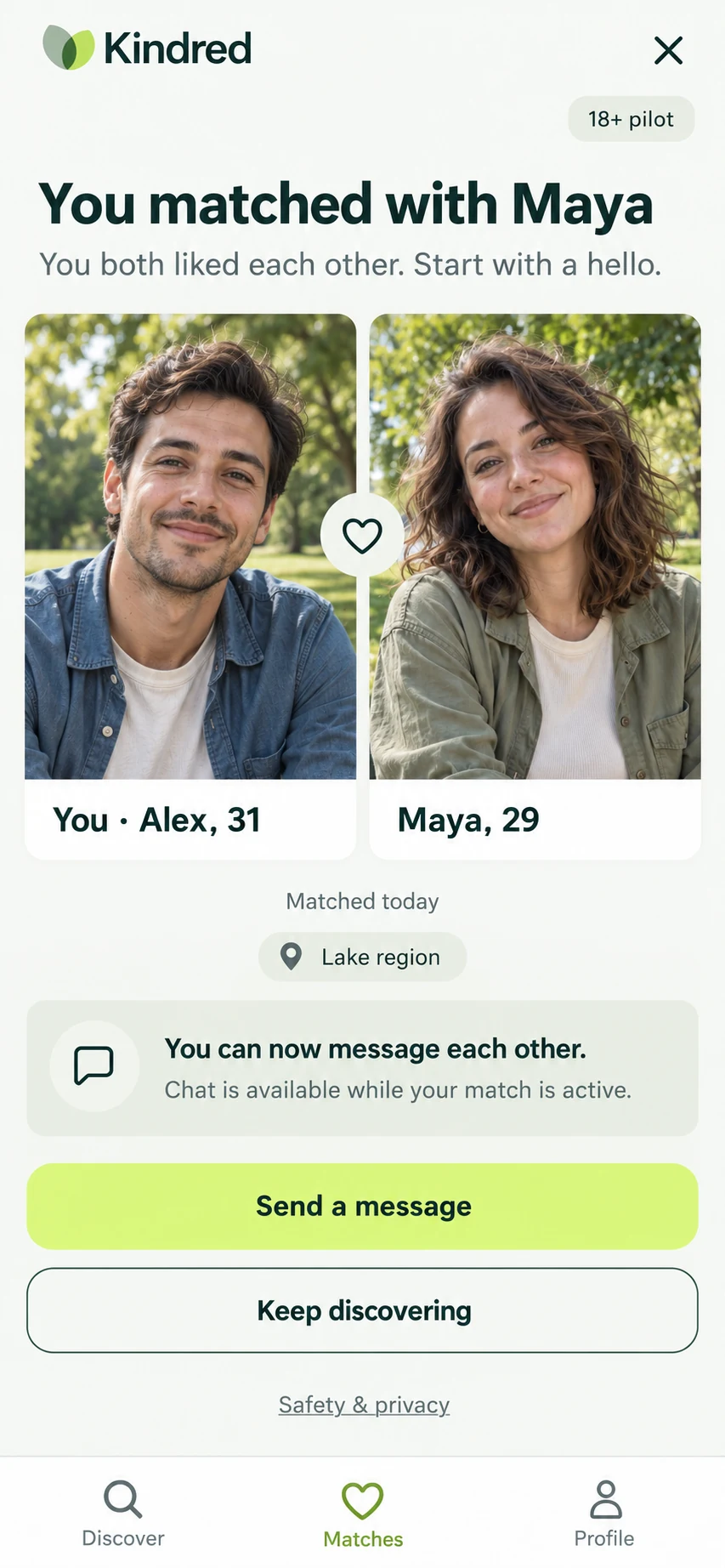
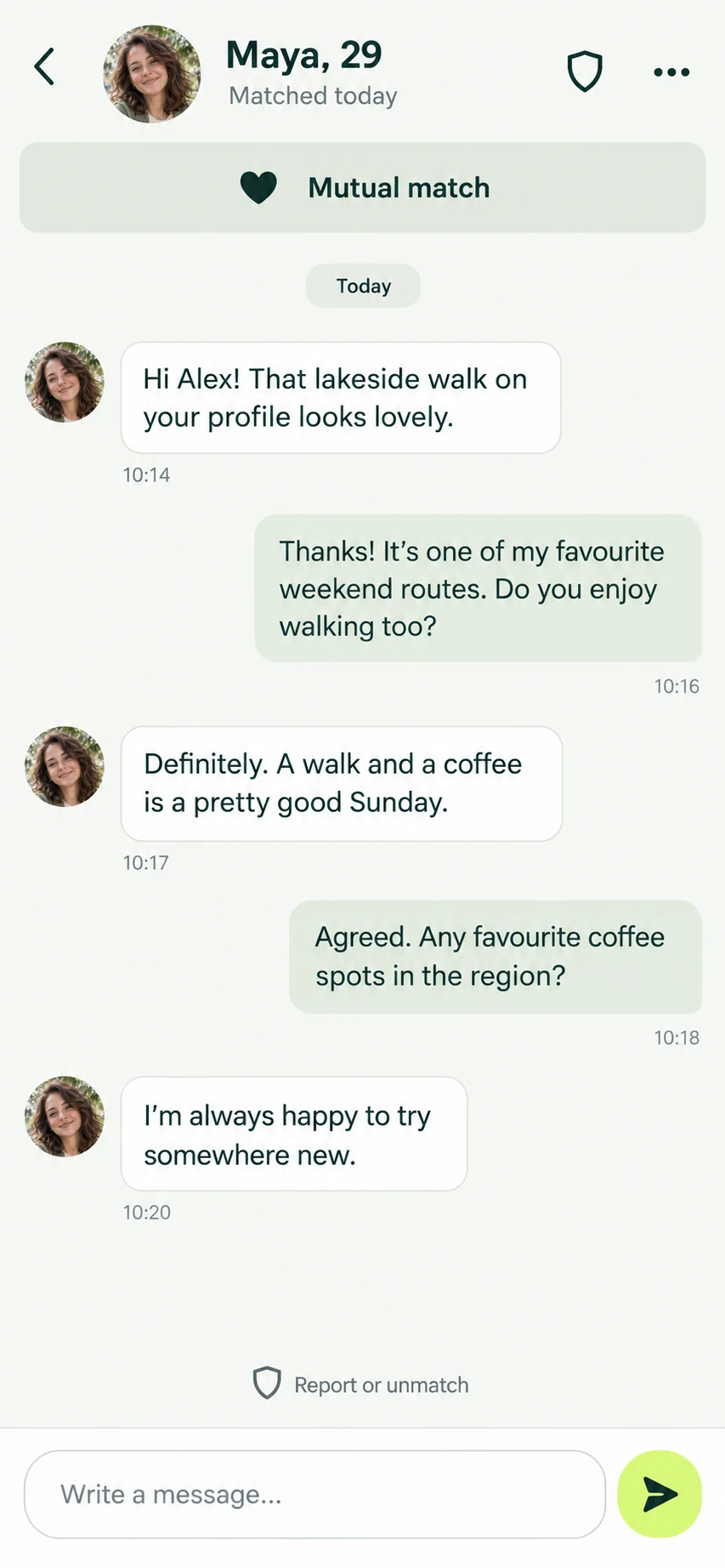
Strava and AllTrails add location and route data. Shazam-style recognition requires an actual configured recognition approach. WhatsApp and Tinder add multi-user state and abuse handling. These are valid later projects, but a familiar mobile interface should not hide their additional systems.
Design recovery before animations
Store durable state independently from the current screen. A focus session should derive elapsed time from saved timestamps rather than assuming a JavaScript-style interval kept running in the background. A draft should survive an interrupted navigation or a process restart.
List what happens when permissions are denied, the network disappears, storage is unavailable or the app is suspended. Use a local save for work in progress and explicit synchronization states for shared data. Decide conflict behavior before adding a second device. These are proposed requirements to adapt to your selected platform.
Make device and privacy checks part of delivery
Ask for the native project structure, build instructions and a successful emulator or simulator run. For camera, GPS, notifications or background tasks, verify behavior on an appropriate device too. A browser preview alone is not evidence of those features working.
Use the least data needed for the feature and request sensitive device access at the point of use with a clear explanation. Do not infer health or safety guarantees from a fitness, sleep or food-reference app. Treat collected location or personal records as real user data, with export and deletion decisions before a public launch.
- Start offline, make a change, reconnect and inspect synchronization.
- Background or terminate the app and restore the active session.
- Deny each requested permission and verify a usable fallback.
- Confirm export and deletion act on actual stored records.
Adapt the complete mobile brief
Customize Tech stack and Data & behavior together when changing platforms. Remove features you cannot test instead of leaving decorative controls. Keep sample exercises, artwork, routes and text original or properly licensed.
Choose one of the native briefs below, then use its platform-specific acceptance checks as the first delivery contract. App-store release, billing and live moderation remain separate milestones from a successful development build.
Deliver an actual native project for the selected platform. Keep durable state separate from UI state. Demonstrate a clean build, process-restart recovery, denied permissions and offline behavior on an emulator/device. Document what requires further real-device or release testing.
Turn the plan into a complete brief.
Copy a tool’s full prompt, customize its sections, and keep the verification requirements with your project.