Build a video meeting app: rooms, permissions and reconnects
A meeting link is only the entrance to a video app. The working product needs authorized room access, camera and microphone handling, media infrastructure and a reliable leave/rejoin journey. Begin with one small meeting room before scheduling a full collaboration platform.
By Clone4.me · AI-assisted editorial ·
A practical starting point
Choose a configured WebRTC/media service, keep room authorization on your server and demonstrate a real call between independent sessions. Add clear preflight, mute/camera controls and failure recovery. Dummy links and local camera previews do not prove remote communication works.
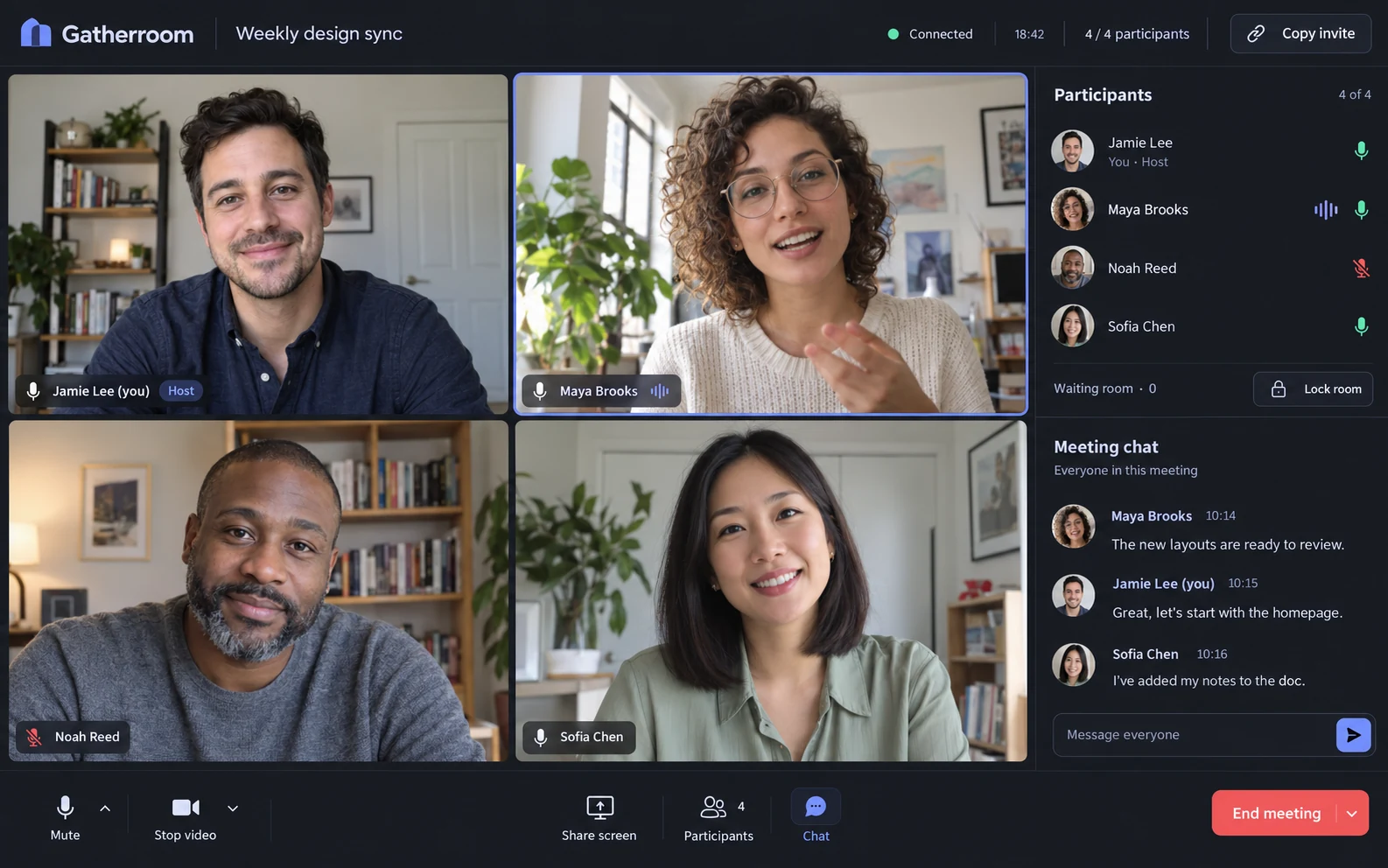
Choose the room’s purpose
An instant team room, a scheduled hosted meeting and a paid tutoring lesson have different entry rules. Google Meet is a useful instant-room reference, Zoom for hosted meeting workflows and Cambly for participant access tied to a reservation. The historical Skype brief focuses on contacts and direct calls.
Pick the smallest participant count you can test and document it. Recording, screen sharing, large meetings, dial-in, public discovery and anonymous random matching all deserve separate scope decisions. Start with invited adult participants and one clear host or membership model.
Separate a device preview from remote media
Browser camera/microphone capture uses permission-controlled media APIs and secure-context requirements. A local preview shows that one device can capture media; it does not prove that a second participant receives it. Test the complete path through the chosen media service.
A real deployment must account for network connectivity and the media infrastructure selected by the implementation. Use the service’s documented setup and credentials. Show a clear error when that setup is missing rather than drawing fake participant tiles or claiming a dummy URL starts a working call.
References: MDN: getUserMedia permissions and secure contexts
Make room tokens enforce your membership rules
Your backend decides who may join, publish and administer a room. Give each participant an identity and appropriate room-scoped grants. Do not let a client choose another user’s identity or grant itself host privileges. Revoked membership should prevent new access.
LiveKit’s authentication documentation illustrates server-issued tokens and grants. Your application still needs to validate invitations, meeting state or lesson membership first. A long random room ID is useful against guessing, but it does not replace authorization.
References: LiveKit authentication and grants
Test the lifecycle with two separate sessions
Join on two devices or independent browser sessions, confirm bidirectional audio/video, mute and unmute, change camera state, disconnect and rejoin. Leave the room and verify local capture tracks stop. Deny camera permission and offer a clearly labeled audio-only or retry path if supported.
Test an expired invitation, a removed member and an unauthorized direct token request. If scheduling is included, test timezone display and the join window. If moderation is required, verify removal and blocking at the media-access boundary, not just by hiding a tile.
- A remote participant must actually receive media.
- The UI must represent reconnecting and disconnected states.
- Host powers must be checked outside the client.
- Do not record by default; recording requires explicit product and privacy decisions.
Choose the relevant communication brief
Slack and Discord briefs start with persistent text communication; their initial scope does not establish a video implementation. Omegle/Chatroulette-style matching adds consent, blocking, reporting and operational moderation to media access. Keep those responsibilities explicit if you choose that direction.
Use the complete Zoom or Google Meet brief for a meeting room, then customize the audience and access policy. Verify the real communication loop before adding calendar integration or a large feature menu.
Build one real authorized video room with a configured media service. Verify two independent sessions, denied device permissions, mute/camera controls, reconnect and capture cleanup. Enforce membership and host grants server-side. Exclude recording and large-room claims from the first version.
Turn the plan into a complete brief.
Copy a tool’s full prompt, customize its sections, and keep the verification requirements with your project.